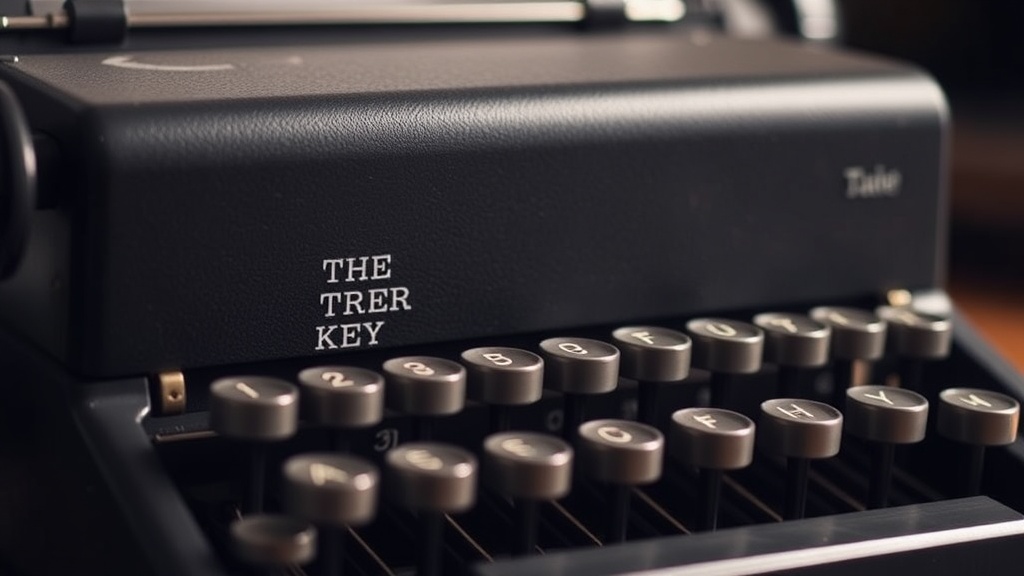
How to Fix a Stuck Typewriter Key

Why is my typewriter key stuck?
Have you ever sat down to write a letter, only to find that a single key refuses to move, or perhaps it stays depressed even after you strike it? It is a frustrating experience that breaks the rhythm of your writing. This guide covers the common reasons why typewriter keys stick—ranging from old, dried-up oil to accumulated debris—and provides practical steps to get your machine back in working order. Understanding the mechanics of your machine is the first step to ensuring your collection stays functional rather than just decorative.
Before you start poking around with tools, it is important to understand that a typewriter is a complex system of levers, linkages, and springs. When a key sticks, it is rarely a broken part; more often, it is a matter of friction or debris. If you're dealing with a machine that has sat in an attic for decades, the culprit is likely old, gummy residue. If the machine is well-maintained, you might be looking at a simple piece of lint or a tiny bit of dried ink.
What causes keys to stick on vintage machines?
There isn't just one reason for a stuck key, but most issues fall into a few specific categories. First, there is the issue of old lubricants. Manufacturers used oils and greases that, over fifty or eighty years, turn into a thick, sticky substance. This can happen inside the typebars or even in the carriage mechanism. Second, we have environmental debris. Dust, hair, and even small insects can find their way into the tight tolerances of a vintage machine, physically blocking a key's movement.
Third, you might encounter ink buildup. If a machine has been used with poorly made or leaking ribbons, dried ink can actually coat the typebars and create a physical barrier. Lastly, there is the issue of mechanical misalignment. If the machine was dropped or bumped, a typebar might be hitting a neighboring part of the frame, preventing it from returning to its resting position. Identifying which one you're facing is the key to a successful repair.
How do I unstick a single typebar?
If only one key is acting up, you are likely dealing with a localized issue. Start by observing the movement. Does the key feel heavy, or does it feel completely blocked? If it feels heavy, it is likely a lubrication issue. If it feels blocked, something is physically in the way. Follow these steps to troubleshoot:
- The Air Method: Use a can of compressed air (the kind used for electronics) to blow out the area around the offending key. This can often clear out loose dust or small bits of debris without needing to take anything apart.
- The Visual Inspection: Use a bright flashlight to look closely at the typebar. Follow the metal arm from the key lever all the way up to the type element. Look for any visible obstructions, like a stray piece of thread or a clump of dried ink.
- The Gentle Vibration: Sometimes, a gentle tap on the side of the machine (not too hard!) can dislodge a small piece of grit.
- The Solvent Approach: If the key is slow to return, there might be dried oil. A tiny amount of high-quality isopropyl alcohol on a cotton swab can sometimes dissolve the gunk, but be extremely careful not to let it drip into the machine's internal escapement.
If these steps don't work, the issue might be deeper in the mechanism. You can research more about the mechanical intricacies of specific brands through resources like the Typewriter Collector community, which is a great place to see how different models behave.
What if the whole keyboard is sluggish?
If multiple keys are sticking, the problem is rarely a single piece of lint. Instead, you are likely looking at a systemic issue involving the machine's internal oils or a general lack of maintenance. A machine that has been stored in a non-climate-controlled environment often suffers from "gummed up" internals. This is common with machines that have been sitting for a long time without use.
In this scenario, you shouldn't just spray oil everywhere. A common mistake is to use WD-40 or standard household oil to "fix" the problem. Do not do this. Standard oils attract dust and will eventually turn into a thick sludge that is much harder to clean. If the entire keyboard is sluggish, you may need to perform a deep clean of the typebars. This involves using a brush and a suitable cleaning solution to remove the old, hardened grease from the linkage. For more technical deep dives into maintenance, the Smithsonian archives often have wonderful historical context on how these mechanical instruments were built to last.
| Symptom | Likely Cause | Initial Fix |
|---|---|---|
| Single key stuck | Debris or dried ink | Compressed air or cotton swab |
| Slow key return | Old, gummy oil | Gentle cleaning with alcohol |
| Multiple sluggish keys | Systemic lubrication failure | Deep clean/Internal degunking |
| Key hits frame | Mechanical misalignment | Gentle adjustment/Alignment |
Always remember that patience is your best tool. When working on a vintage machine, there is no need to rush. If a key is stuck, take a breath and look closer. Most often, the fix is much simpler than the terrifying prospect of a full restoration. Keep your tools clean, keep your hands steady, and your collection will continue to sing for years to come.